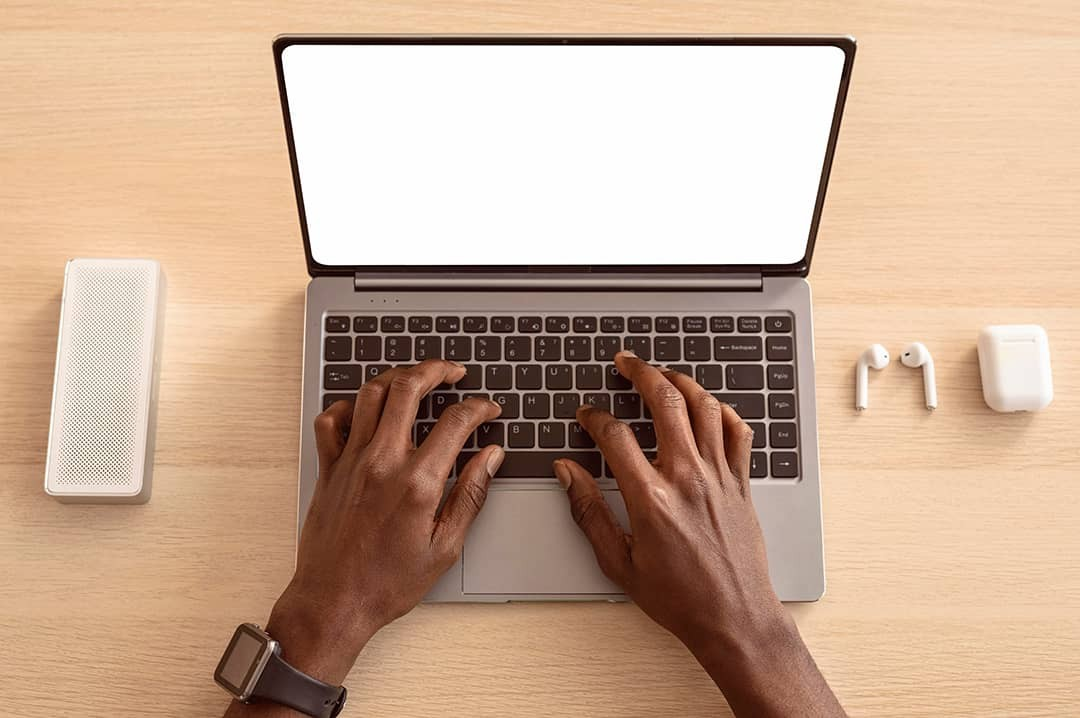
In today’s digital-first world, typing has become a core life skill—almost as essential as reading or arithmetic. Whether you're writing emails, coding, creating content, studying, or chatting online, your typing ability plays a big role in how efficiently and confidently you communicate. But despite how much we type, many people still peck at the keyboard or rely on outdated habits that slow them down.
The good news? Anyone can become a better typist with the right strategies and consistent practice. Whether you’re starting from scratch or looking to fine-tune your skills, here are the best tips for better typing to help you become faster, more accurate, and more comfortable at the keyboard.
1. Learn Touch Typing
Touch typing is the practice of typing without looking at the keyboard. It’s the cornerstone of fast and accurate typing. Place your fingers on the home row keys (A–F and J–;), keep your thumbs on the space bar, and use the correct finger for each key. With repetition, muscle memory takes over.
2. Maintain Proper Posture
Sit upright, elbows at 90 degrees, feet flat on the floor, and keep your screen at eye level. Avoid resting wrists on the desk and keep them straight to prevent injury and fatigue.
3. Use All Your Fingers
Train yourself to type with all ten fingers. Practice drills that focus on individual rows or hands, and use guides to learn correct finger placement. It may feel slower at first but leads to better speed and balance.
4. Start Slow to Build Accuracy
Focus on accuracy before speed. Type slowly and deliberately to reduce errors. Aim for 95–100% accuracy and fix mistakes as they happen to build correct muscle memory.
5. Practice Daily (Even Briefly)
Practice 10–15 minutes daily. Set small, measurable goals and use gamified platforms like TypingClub, Keybr, or 10FastFingers to make it fun and track progress.
6. Use the Right Tools
Choose a keyboard with responsive keys. Mechanical keyboards often offer better feedback. Use typing tutor apps or browser tools that offer feedback and highlight weak spots.
7. Master Common Shortcuts
Shortcuts like Ctrl+C/V (copy/paste), Ctrl+Z/Y (undo/redo), Ctrl+S (save), and Alt+Tab (switch apps) keep your hands on the keyboard and streamline workflow.
8. Avoid Bad Habits
Correct poor habits early: don’t rely on autocorrect, avoid two-finger typing, don’t look down, and never push through pain. Good technique prevents injury and supports long-term speed gains.
9. Read While You Type
Practice transcribing content from books, articles, or videos. This boosts hand-eye coordination, real-time transcription ability, and attention to detail.
10. Track Your Progress and Set Goals
Log your WPM and accuracy weekly. Set clear goals like "60 WPM in 3 months" and celebrate small wins. Most typing platforms provide charts and badges for motivation.
Bonus: Build Endurance and Rhythm
Long sessions require relaxed hands, steady rhythm, and endurance. Train like a pianist—smooth, flowing, and fatigue-free typing improves over time with longer drills.
Final Thoughts
Typing is more than just hitting keys—it’s a skill that unlocks productivity, creativity, and clear communication. Apply these tips, practice consistently, and you'll see lasting improvements in speed, comfort, and confidence.